
Introduction
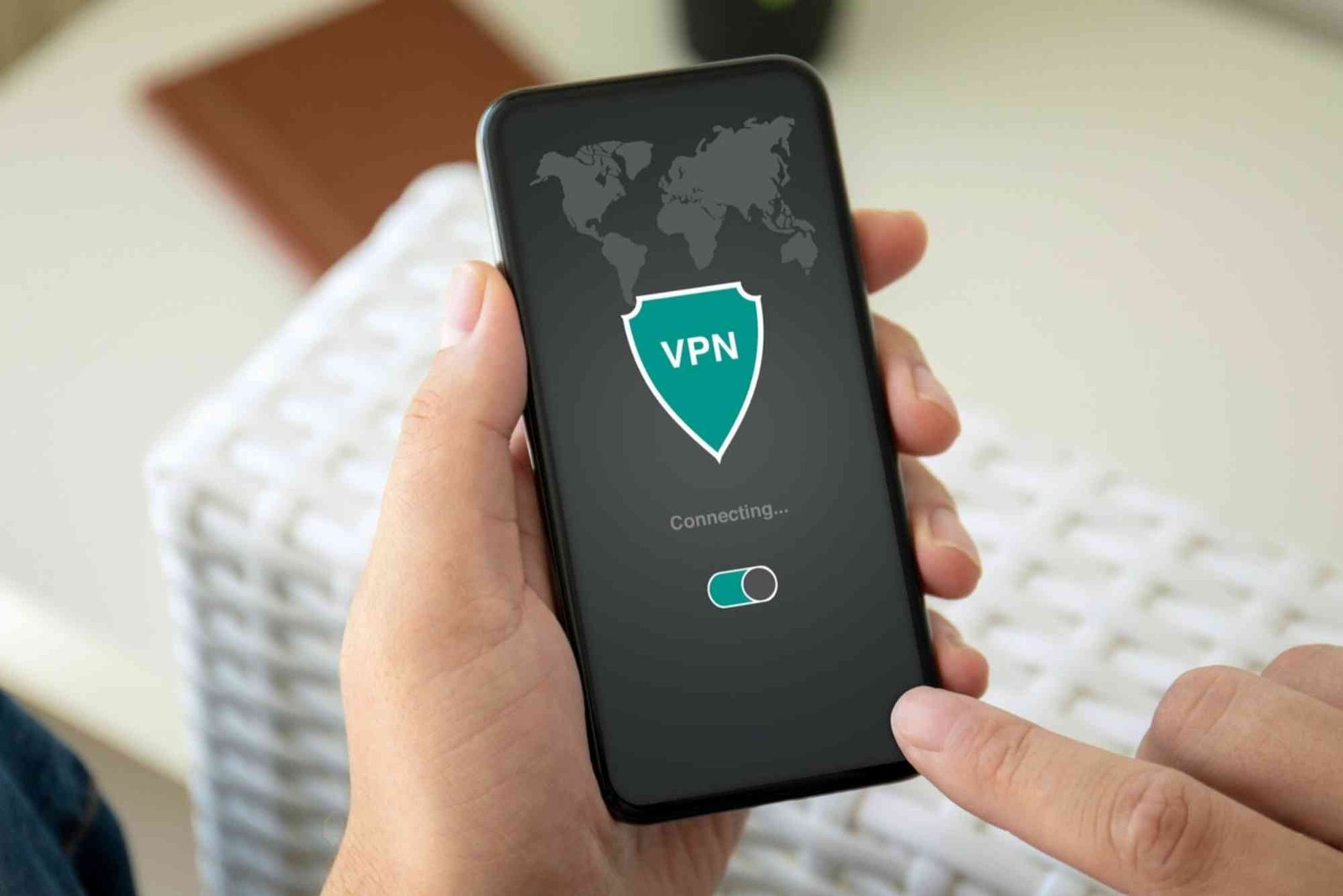
In today’s digital world, maintaining online privacy and security has become more important than ever. A Virtual Private Network (VPN) is a powerful tool that helps protect your data, encrypt your internet connection, and give you greater control over your online presence. However, using a VPN incorrectly or relying on an unreliable service can reduce its effectiveness or even expose your information. This guide provides comprehensive tips for using a VPN safely, helping you maximize its benefits without compromising security.
Understanding VPNs and Their Importance
What is a VPN?
A VPN, or Virtual Private Network, creates a secure tunnel between your device and the internet. This tunnel encrypts your data, making it unreadable to hackers, internet service providers (ISPs), and even government surveillance. By routing your connection through a remote server, a VPN also masks your IP address, making it harder to track your online activities.
Why You Need a VPN
- Privacy Protection: VPNs prevent ISPs and third parties from monitoring your browsing activity.
- Data Security: They encrypt sensitive information, especially when using public Wi-Fi networks.
- Access to Restricted Content: VPNs allow users to bypass geographical restrictions on websites and streaming services.
- Safe Remote Work: For professionals working from home or public networks, VPNs provide a secure connection to company resources.
Choosing a Reliable VPN Provider
Not all VPNs are created equal. Using a free or poorly rated VPN may expose your data instead of protecting it.
Key Features to Look For
- No-Logs Policy
Ensure your VPN provider does not store records of your browsing activity. A strict no-logs policy is critical for privacy. - Strong Encryption
Look for VPNs that use AES-256 encryption, which is the industry standard for protecting sensitive data. - Secure Protocols
VPN protocols like OpenVPN, WireGuard, and IKEv2 are considered secure and reliable. Avoid PPTP, which is outdated and vulnerable. - Kill Switch
This feature automatically disconnects your internet if the VPN connection drops, preventing accidental exposure of your data. - Reputable Jurisdiction
VPN providers based in privacy-friendly countries are less likely to be forced to hand over user data to government authorities.
Best Practices for Using a VPN Safely
Keep Your VPN Active at All Times
Many users only turn on their VPN when accessing public Wi-Fi. However, leaving it on ensures continuous protection and prevents accidental exposure when browsing insecure websites.
Avoid Free VPNs
Free VPNs often have hidden risks, such as tracking your activity, displaying ads, or selling your data to third parties. Paid, reputable VPN services are more reliable and secure.
Use Multi-Factor Authentication (MFA)
Enable MFA on all accounts when using a VPN. This adds an extra layer of protection in case your credentials are compromised.
Regularly Update Your VPN App
VPN providers frequently release updates to fix vulnerabilities and improve security. Always use the latest version to ensure optimal protection.
Connect to the Closest Server When Possible
While VPNs can connect to servers worldwide, choosing a nearby server often improves connection speed without sacrificing privacy.
Avoid P2P Sharing on Untrusted Servers
Some VPN servers may restrict peer-to-peer (P2P) activities. Using P2P on a server that allows it ensures safety, while also complying with legal standards.
Enable DNS and IP Leak Protection
Even with a VPN, your device may leak information through DNS requests or IP leaks. Enable leak protection in your VPN settings to maintain anonymity.
Be Wary of Browser Extensions
Some VPN browser extensions may not encrypt all traffic or could be vulnerable to attacks. Prefer the full VPN application for comprehensive protection.
Using VPNs on Multiple Devices
Smartphones and Tablets
VPNs are just as essential on mobile devices, as smartphones are frequent targets for cyberattacks, especially over public Wi-Fi.
Computers and Laptops
Desktop devices often contain more sensitive information. Ensure your VPN is running at startup to protect all network activity.
Routers
Installing a VPN directly on your router protects all connected devices, including smart TVs and gaming consoles, without needing separate apps.
Common VPN Mistakes to Avoid
- Relying Solely on a VPN
While a VPN is a powerful tool, it cannot protect against phishing attacks, malware, or unsafe downloads. Always combine VPN use with antivirus software and safe browsing habits. - Ignoring VPN Logs and Privacy Policies
Some VPNs claim “privacy,” but their policies may indicate data sharing. Read terms carefully. - Using Outdated VPN Technology
Older VPN protocols and apps may have vulnerabilities. Keep your VPN and devices updated. - Assuming VPNs Make You Anonymous
VPNs enhance privacy but do not make you completely anonymous. Avoid sharing personal information unnecessarily.
FAQs
Is Using a VPN Completely Safe?
While VPNs greatly improve privacy and security, no tool is 100% foolproof. Combining a VPN with strong passwords, MFA, and antivirus software is essential.
Can a VPN Slow Down My Internet?
Yes, encrypting and routing traffic can slightly reduce speed. Choosing a high-quality VPN and connecting to a nearby server usually minimizes this impact.
Are Free VPNs Safe to Use?
Free VPNs may track your activity or sell your data. They can be convenient, but for serious privacy, a paid VPN with a strong reputation is recommended.
Can I Use a VPN for Streaming Content?
Yes, VPNs allow access to geo-restricted content. However, some streaming services actively block VPN connections, so choosing a VPN with streaming support is important.
Does a VPN Protect Me on Public Wi-Fi?
Absolutely. VPNs encrypt your connection, preventing hackers from intercepting your data on unsecured networks.
Stay Safe Online with a VPN
Using a VPN correctly is essential for safeguarding your online privacy and data. By choosing a reputable VPN, enabling key security features, and following best practices, you can browse the internet with confidence and freedom. Remember that a VPN is part of a broader digital safety strategy — combine it with secure passwords, antivirus software, and cautious online behavior for maximum protection.
How to Strengthen Personal Data Security: Protecting your personal data is crucial in today’s digital world. Use strong, unique passwords, enable two-factor authentication, and keep software updated. Avoid sharing sensitive information on unsecured platforms and regularly monitor accounts for suspicious activity to ensure your data stays safe.