Introduction
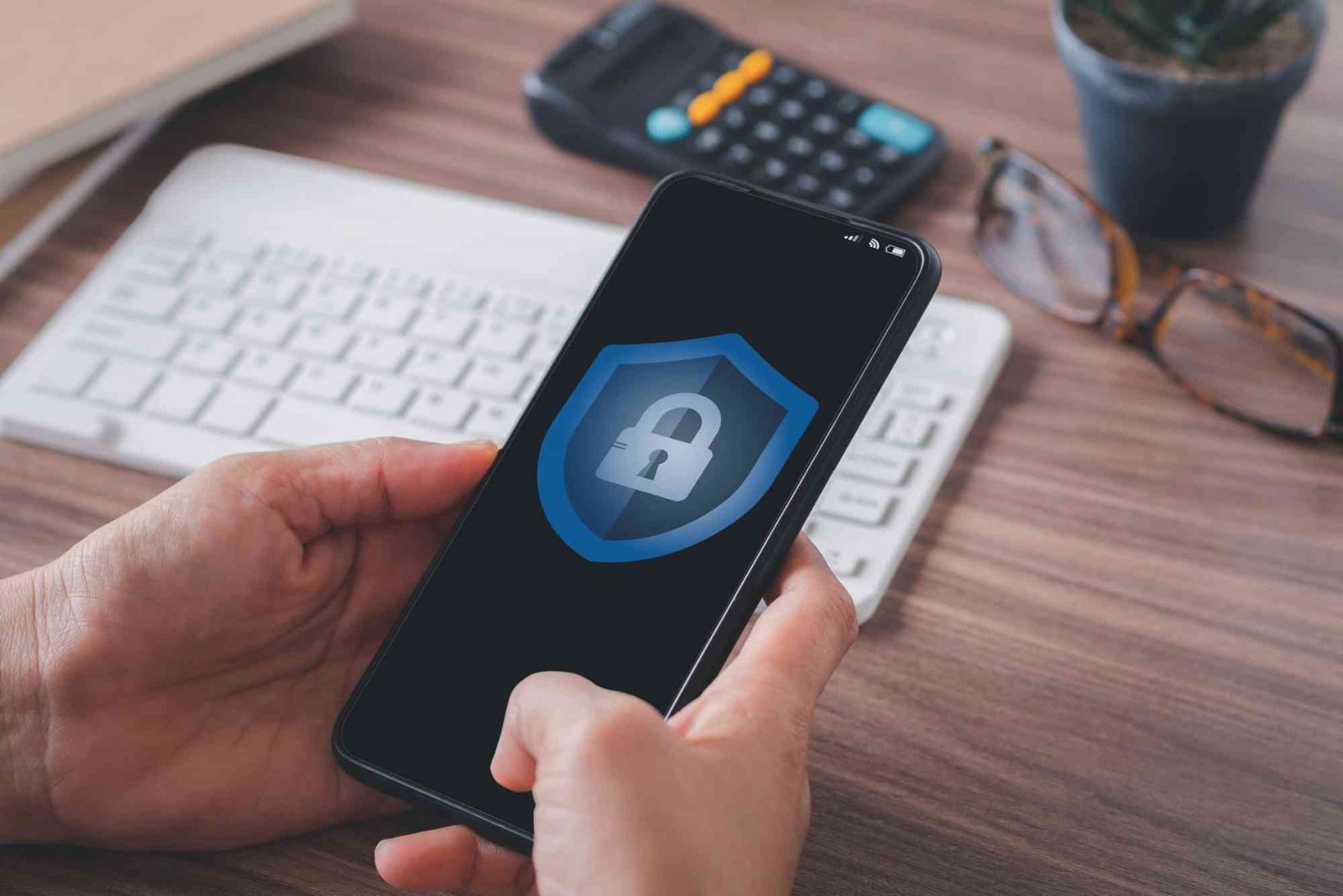
In today’s digital age, personal data is more valuable—and more vulnerable—than ever. From social media profiles to banking information, our lives are constantly generating data that can be exploited if not properly protected. Strengthening personal data security is no longer optional; it’s essential for safeguarding privacy, preventing identity theft, and maintaining control over your online presence. This guide provides a comprehensive approach to protecting your personal information both online and offline.
Understanding Personal Data Security
Personal data security refers to the strategies, practices, and tools used to protect your sensitive information from unauthorized access, theft, or misuse. This includes your:
- Financial information: bank accounts, credit cards, and online payment details
- Personal identifiers: social security numbers, addresses, and phone numbers
- Digital footprints: emails, social media activity, browsing history, and cloud storage files
Strong personal data security involves a combination of habits, technology, and awareness. By understanding common risks and implementing effective strategies, you can reduce your exposure to cyber threats and keep your information private.
Common Threats to Personal Data
Before diving into protective measures, it’s important to understand the primary threats to your personal data:
Phishing Attacks
Phishing attacks use fraudulent emails, messages, or websites to trick users into revealing sensitive information. These messages often appear legitimate, mimicking banks, popular services, or government agencies.
Malware and Ransomware
Malware is software designed to harm your devices or steal data, while ransomware locks access to your files until a payment is made. Malware can infiltrate systems via downloads, email attachments, or malicious links.

Data Breaches
Data breaches occur when hackers gain unauthorized access to large databases containing personal information. Breaches can affect companies, government institutions, or online platforms, putting millions of users at risk.
Weak Passwords and Authentication
Weak or reused passwords make it easy for cybercriminals to gain access to your accounts. Lack of two-factor authentication (2FA) further increases vulnerability.
Practical Steps to Strengthen Personal Data Security
Enhancing personal data security requires a multi-layered approach combining technology, habits, and vigilance. Here’s how to start:
Strengthen Your Passwords and Authentication
Use Strong, Unique Passwords
Avoid using common or easily guessable passwords. Instead, create long, complex passwords that include a mix of letters, numbers, and symbols. A password manager can help generate and store unique passwords securely.
Enable Two-Factor Authentication
Two-factor authentication (2FA) adds an extra layer of security by requiring a second verification step, such as a code sent to your phone or an authentication app. This ensures that even if your password is compromised, unauthorized access is blocked.
Regularly Update Passwords
Change your passwords periodically, especially for sensitive accounts like banking, email, and cloud storage. This limits the risk of long-term exposure in case of a breach.
Protect Your Devices and Networks
Keep Software Up to Date
Software updates often include security patches that fix vulnerabilities. Make it a habit to update your operating system, apps, and antivirus software regularly.
Use Antivirus and Anti-Malware Tools
Reliable antivirus software can detect and remove malware before it compromises your personal data. Ensure the software is always active and updated.
Secure Your Wi-Fi Network
Use strong passwords for your home network and avoid connecting to unsecured public Wi-Fi without a VPN. Network encryption prevents hackers from intercepting your data.
Enable Firewalls
Firewalls help block unauthorized access to your devices and network. Both software and hardware firewalls can be effective barriers against cyberattacks.
Manage Your Online Presence Carefully
Limit Personal Information Shared Online
Avoid oversharing personal information on social media, forums, and other online platforms. Details like your birth date, address, and family members’ names can be used for identity theft.
Review Privacy Settings
Adjust privacy settings on social media and apps to restrict access to your personal information. Regularly review and update these settings to maintain control over who sees your data.
Be Cautious with Email and Links
Only open emails, attachments, and links from trusted sources. Look for signs of phishing, such as misspelled URLs, urgent requests, or suspicious email addresses.
Backup and Encrypt Your Data
Regularly Backup Important Files
Keep copies of important documents and files in secure locations, such as external drives or trusted cloud services. Backups protect your data in case of ransomware attacks or hardware failure.
Use Encryption
Encrypt sensitive data on your devices and cloud accounts. Encryption converts information into code that can only be accessed with a key, making it nearly impossible for unauthorized parties to read your data.
Monitor Accounts and Credit
Track Bank and Credit Accounts
Regularly review bank statements and credit card transactions for unauthorized activity. Early detection of fraud can prevent significant financial loss.
Use Identity Theft Protection Services
Identity monitoring services alert you to suspicious activity, such as new accounts opened in your name. This allows for immediate action to minimize damage.
Educate Yourself Continuously
Stay Informed About Threats
Cyber threats evolve constantly. Follow trusted security blogs, news outlets, and official sources to stay updated on the latest scams and vulnerabilities.
Practice Safe Digital Habits
Be mindful of the websites you visit, the files you download, and the devices you connect to. Awareness and caution are your first line of defense against personal data theft.
Protecting your personal data is an ongoing responsibility, not a one-time task. By using strong passwords, securing your devices and networks, managing your online presence, and staying informed about cyber threats, you can significantly reduce the risk of data breaches and identity theft. Start implementing these strategies today to take control of your digital security.
FAQs
What is the easiest way to improve my personal data security?
Start with strong, unique passwords and enable two-factor authentication on all accounts. These two steps alone block many common attacks.
Is using public Wi-Fi dangerous for personal data?
Yes, public Wi-Fi can be insecure. Always use a VPN when accessing sensitive information on public networks.
How often should I update my passwords?
Update passwords at least every 3–6 months, or immediately if a service you use has been breached.
Can antivirus software protect all my data?
Antivirus helps block malware, but it cannot prevent phishing, weak passwords, or social engineering attacks. Use it alongside other security measures.
Should I encrypt my cloud storage?
Yes, encrypting sensitive files adds an extra layer of security, especially if the cloud provider experiences a breach.
Tips for Using a VPN Safely: Using a VPN protects your online privacy, but safety depends on smart practices. Always choose a reliable VPN with strong encryption, avoid free services with hidden risks, and keep your apps updated. Connect only to trusted networks, enable kill switches, and never share personal info while online to maximize security.